Zone management
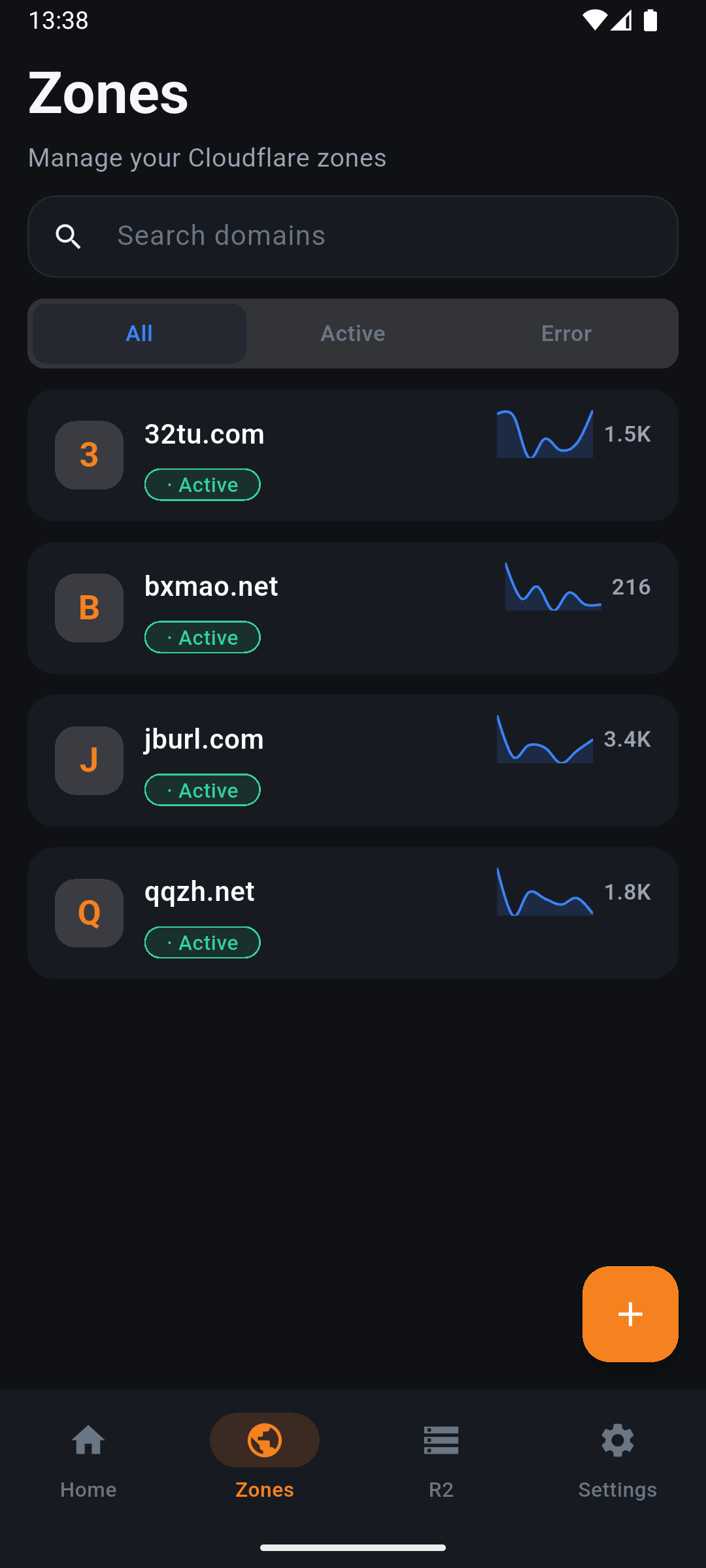
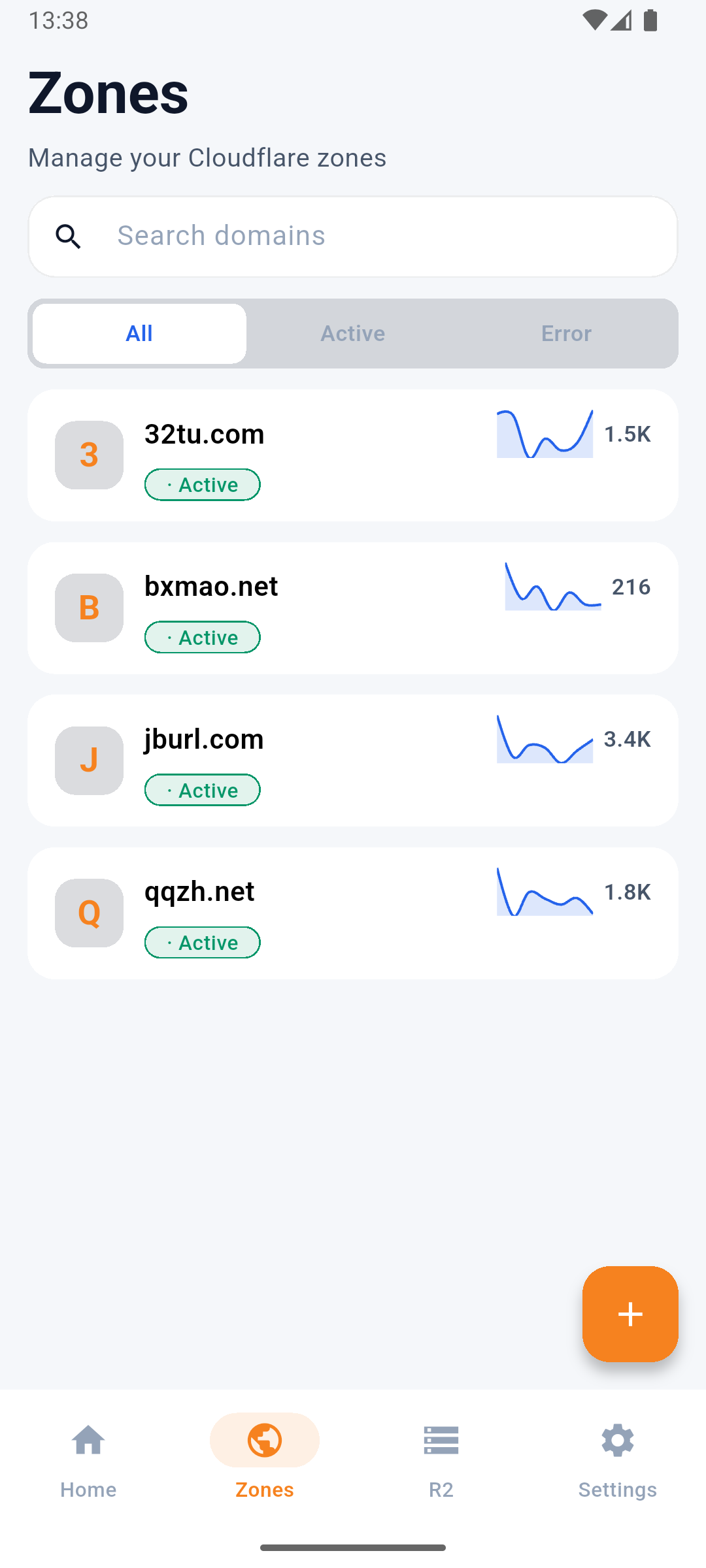
Search, filter, add, and remove Cloudflare zones. Pending domains include clear onboarding guidance.
Cloudflare Manager
Connect with an API Token and manage zones, DNS, SSL/TLS, cache, R2, and site activity from mobile.
Feature highlights
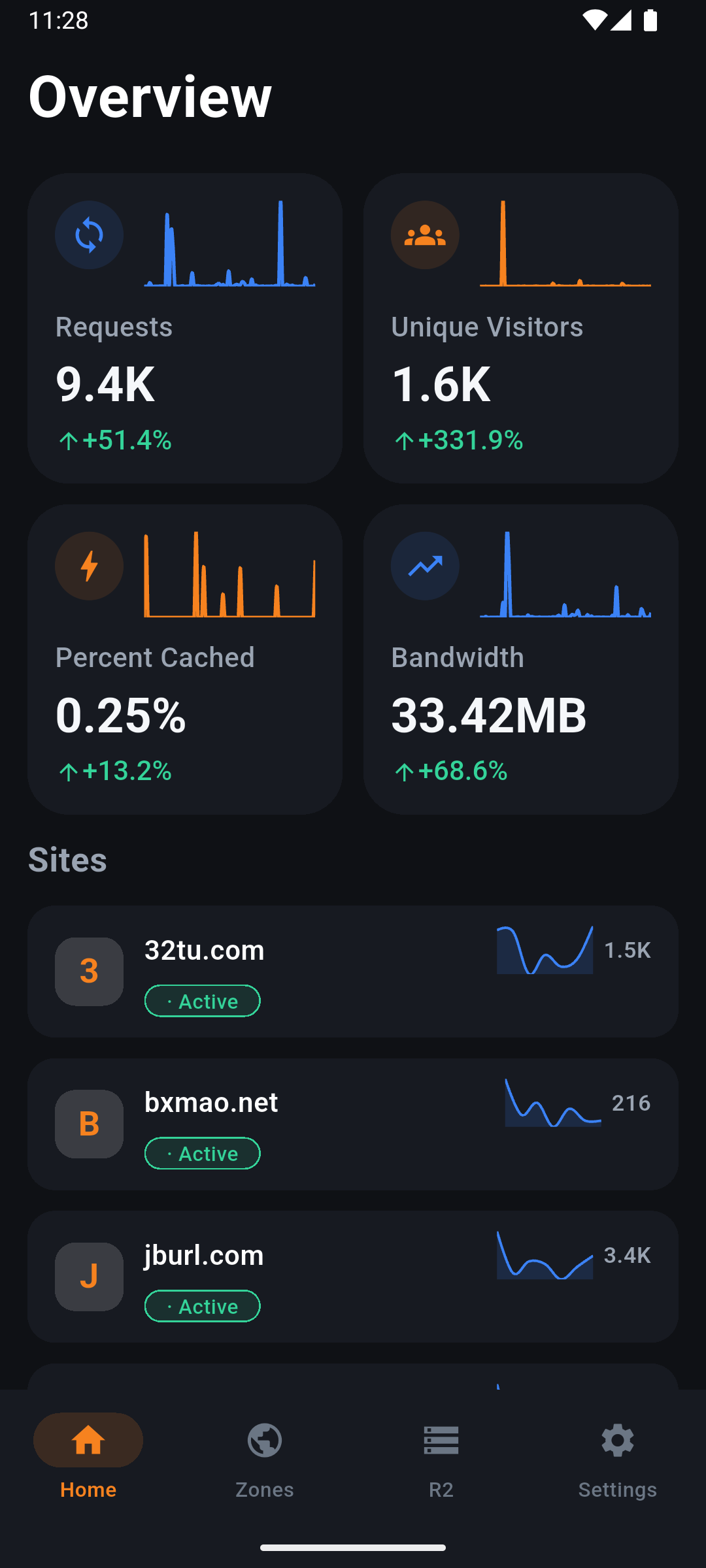
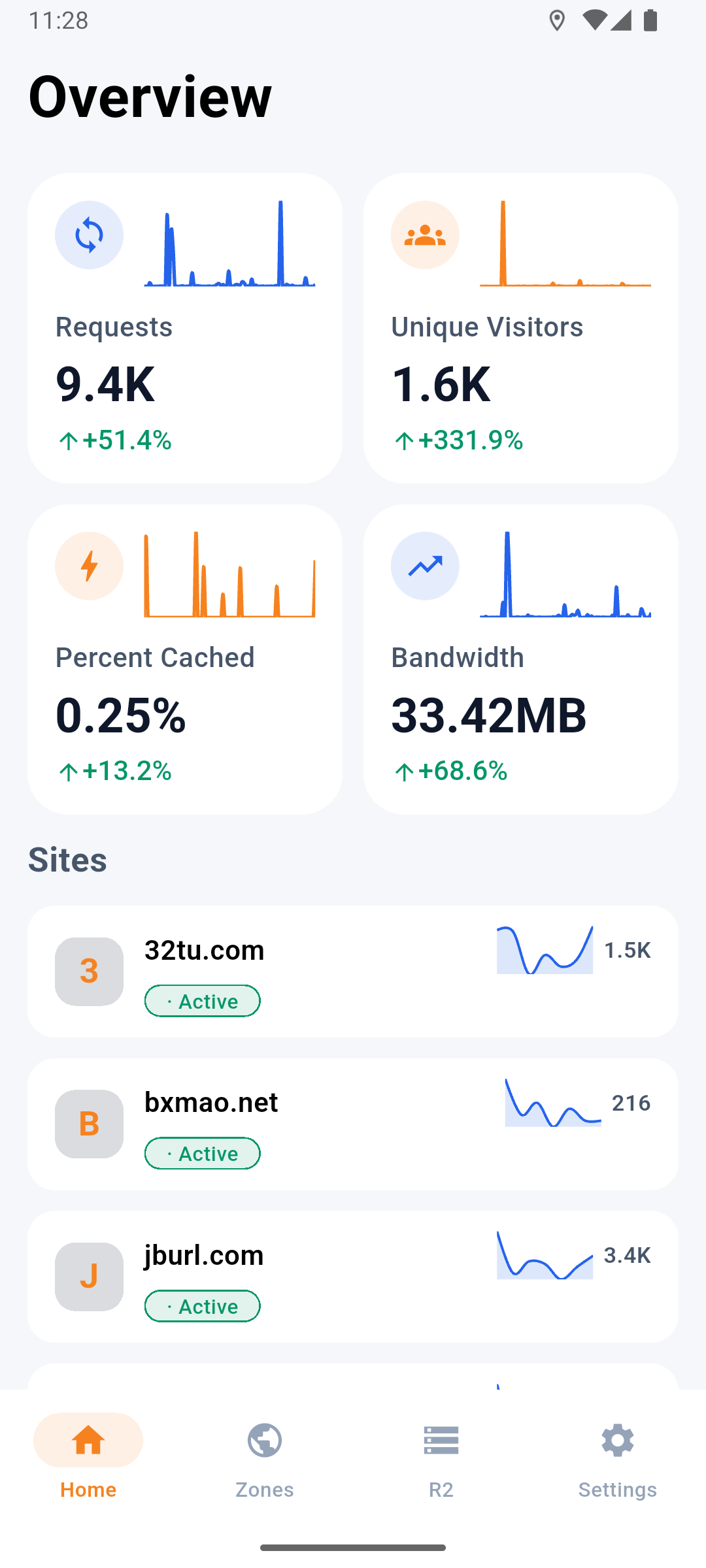
Built for developers and site administrators. Manage zones, DNS, SSL/TLS, cache, R2, and activity data in one place.
Search, filter, add, and remove Cloudflare zones. Pending domains include clear onboarding guidance.
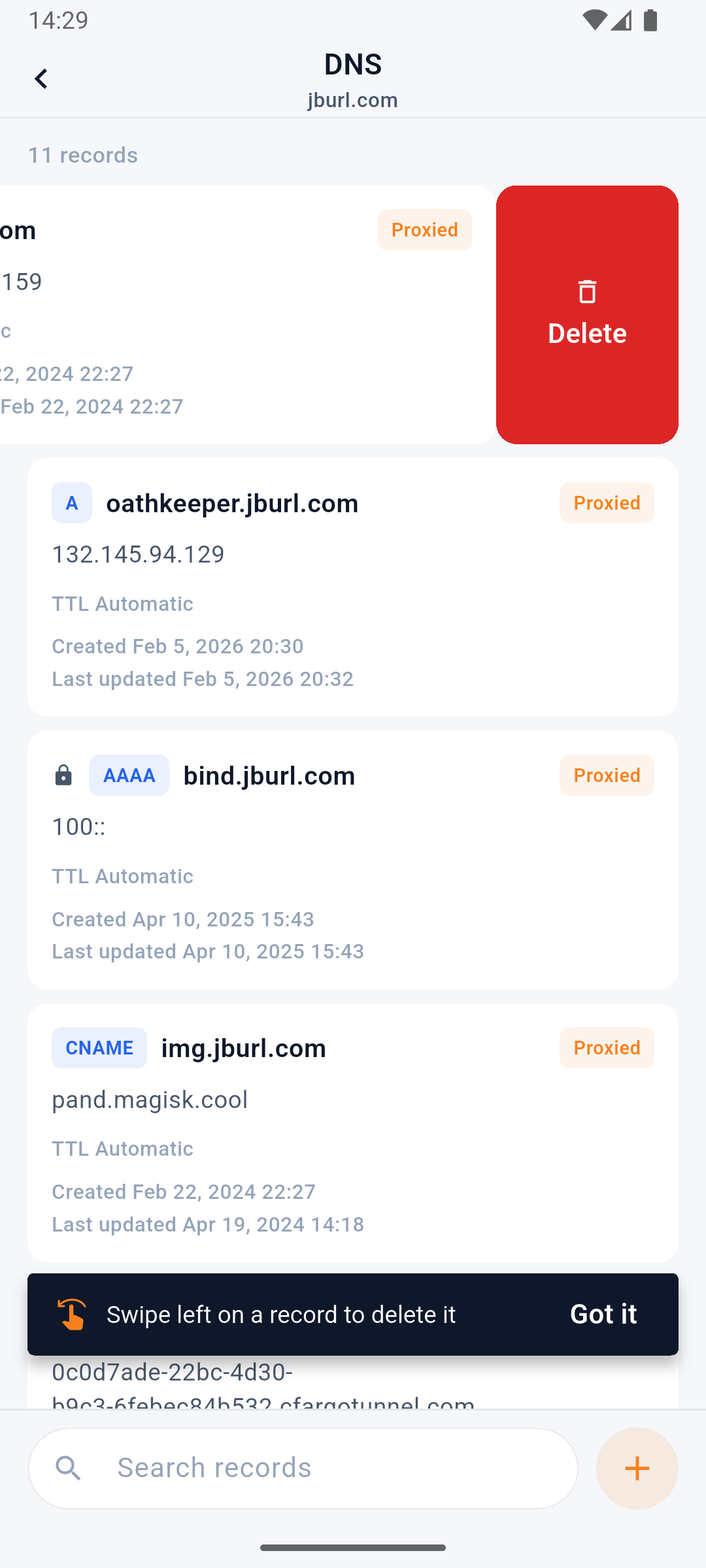
Filter by type, search records, and create, edit, batch-delete, or toggle proxy status.
Manage encryption mode, HSTS, minimum TLS, TLS 1.3, HTTPS rewrites, and Universal SSL.
Purge all or targeted cache. Configure cache level, browser TTL, Always Online, and development mode.
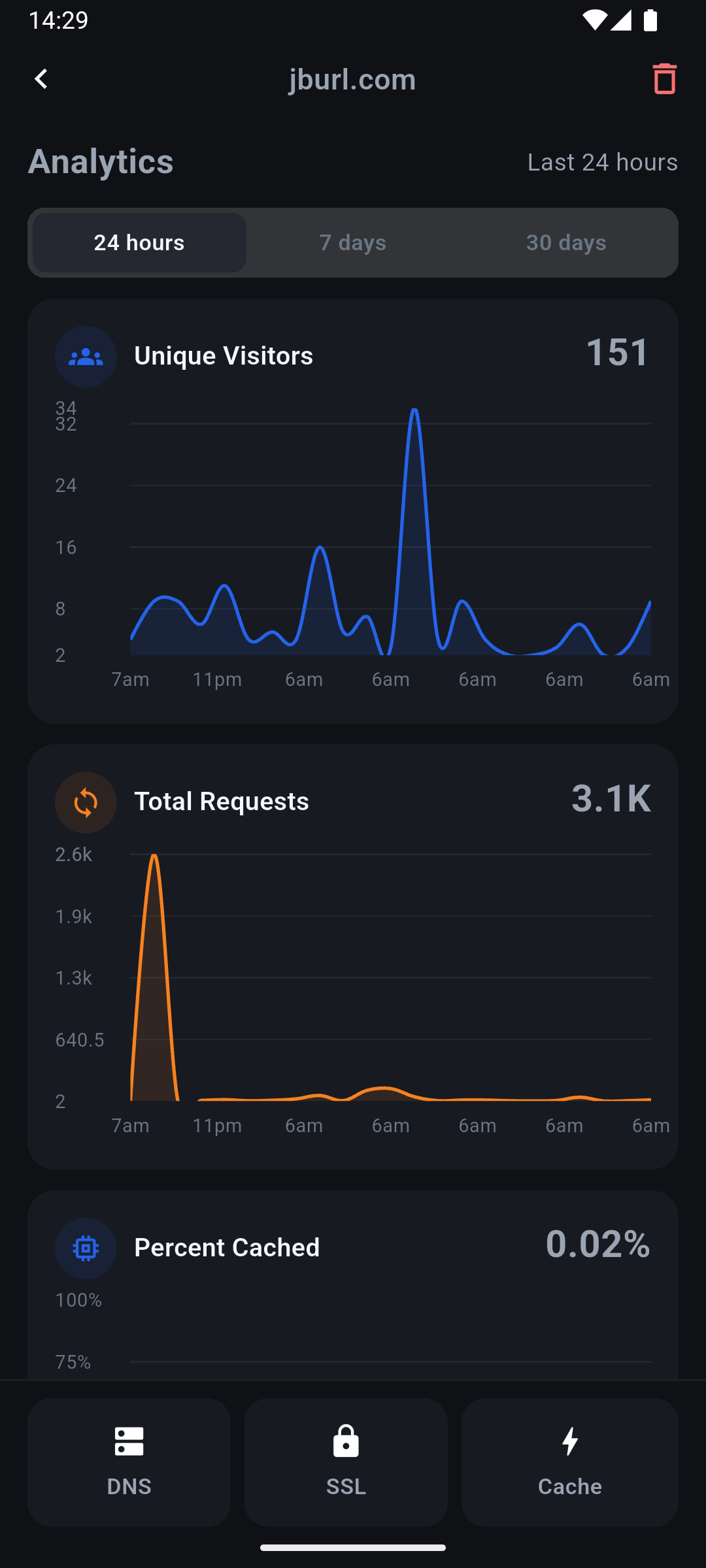
View 24-hour web traffic, domain request rankings, cache rate, and Workers/Pages metrics.
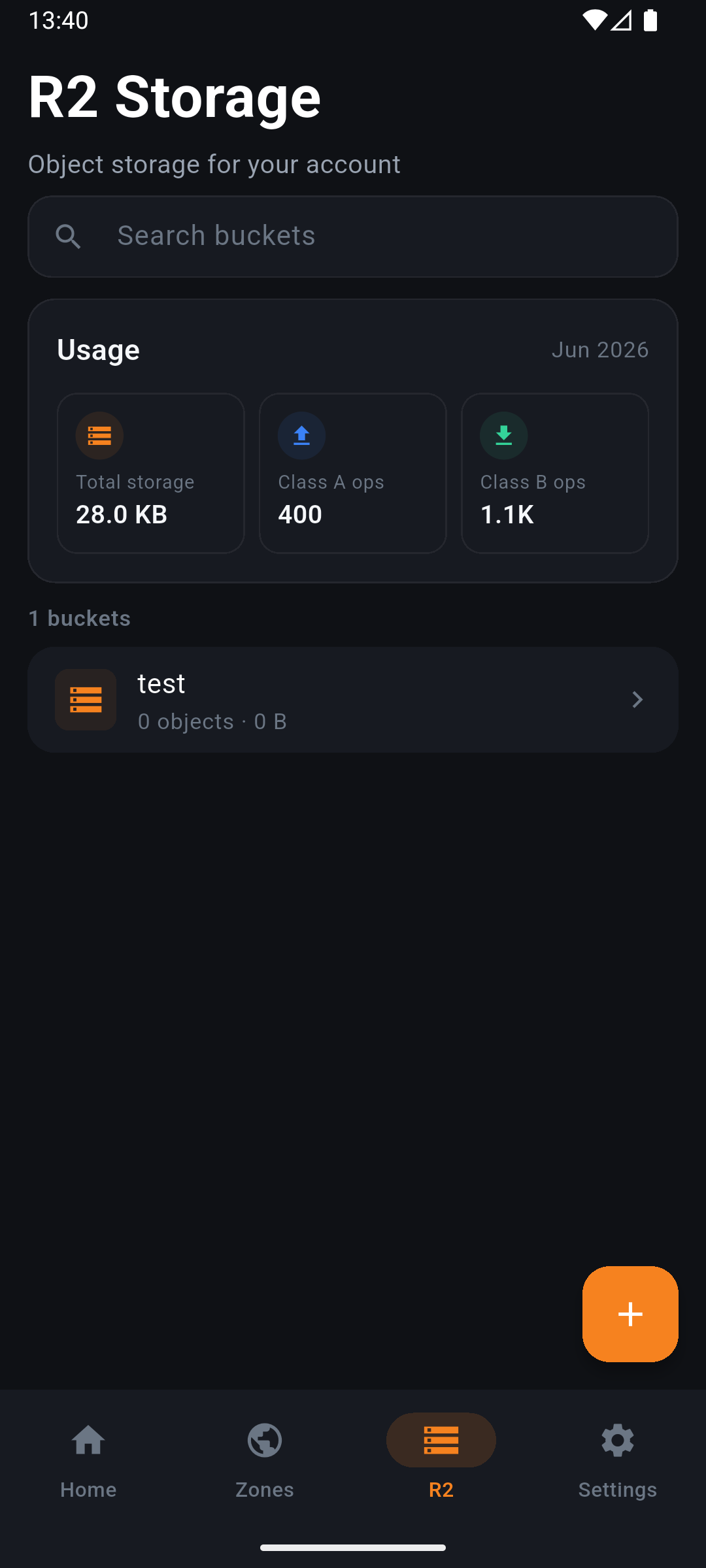
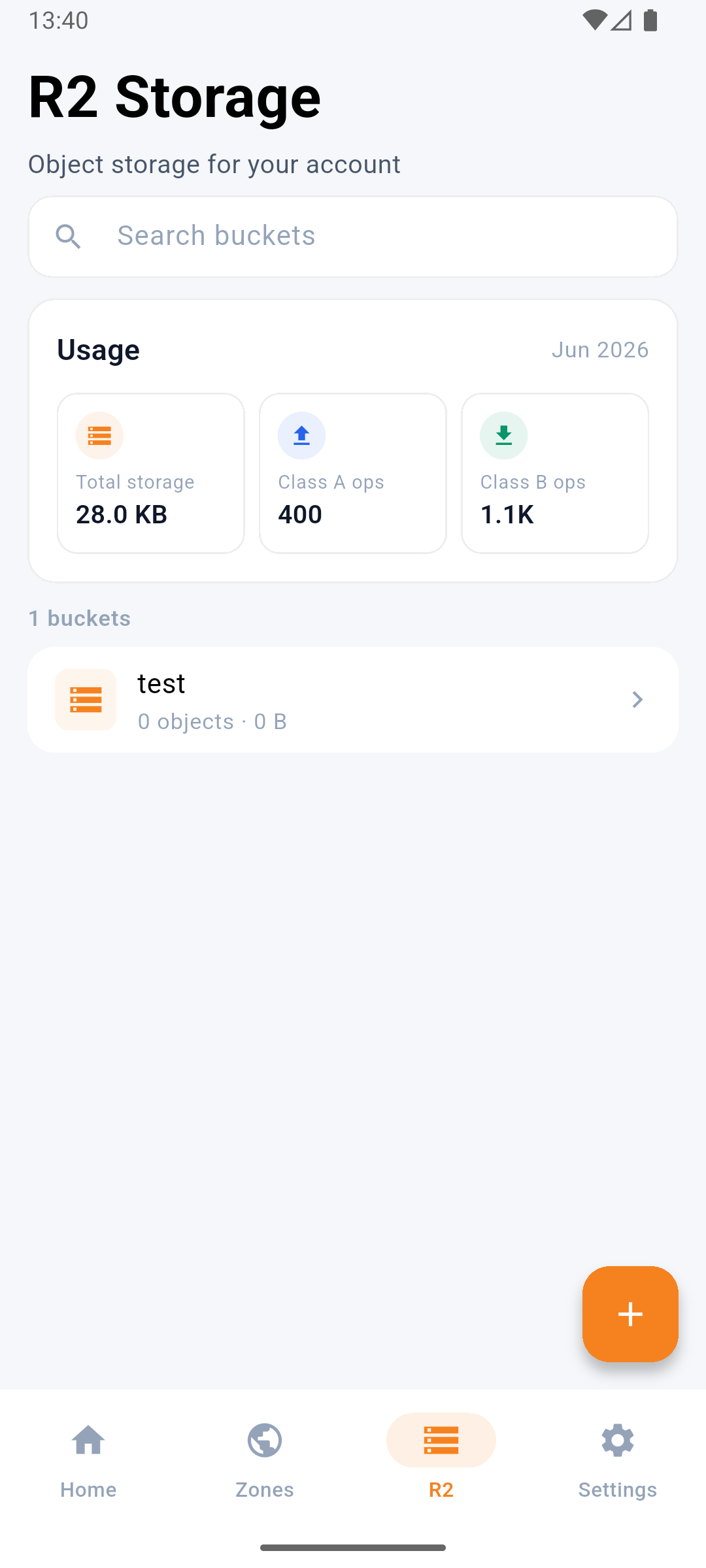
Browse buckets and objects, manage settings, and handle common R2 operations from mobile.
Workflow
Verify permissions first, then manage zones and site settings—reducing surprises from missing access.
Enter a Cloudflare API Token or read it from the clipboard.
Confirm the Token can read zones, DNS, activity data, and related resources.
Search, filter, and open the Cloudflare zone you want to manage.
Complete common site operations across DNS, SSL/TLS, and cache.
Screenshots
Download
Cloudflare Manager is live on Google Play. The iOS App Store release is coming soon.
iOS & Android
New here? Read the setup guide and prepare your API Token first. Read the setup guide
Get started
Available in Chinese and English. Review the setup guide and permission requirements, then connect with a dedicated API Token to start managing your sites.